
Main Article Headline |
Google Wallet can do much more than pay for a coffee. Here’s the quick checklist for passes, travel, online shopping and security. |
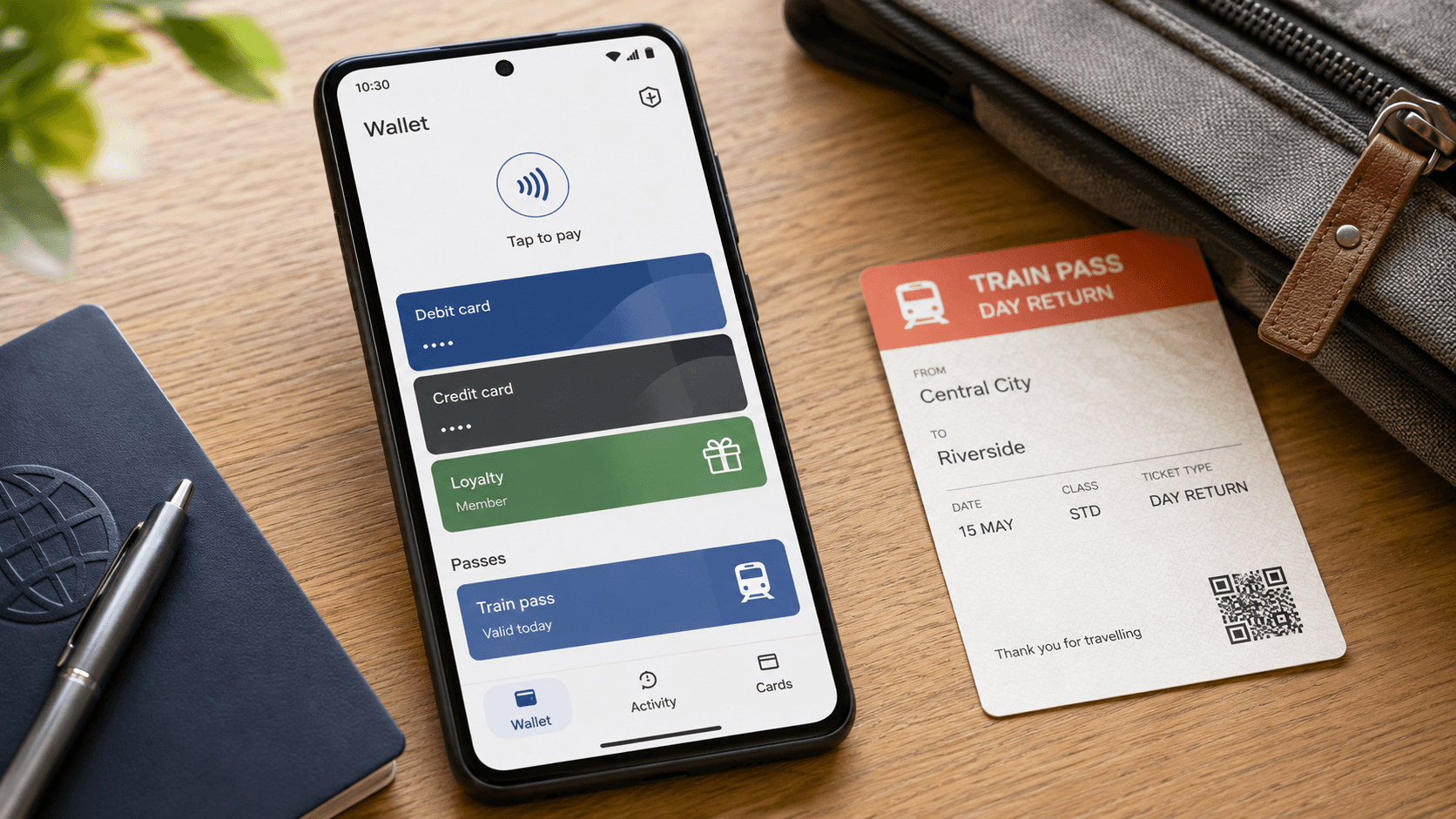
If you use Google Pay only to tap your phone in a shop, you may be using the smallest part of it.
Google Pay is now Google Wallet in the UK, and the app can also hold tickets, passes and cards, help with online payments and give you more control when something goes wrong.
That could be handy for Norfolk users juggling train journeys, event tickets, loyalty cards and everyday spending.
But there’s a catch: Google Wallet isn’t a magic storage box.
The bank, transport operator, event organiser or retailer has to support it, and your Android device and app need to meet the requirements.
Here are the features worth checking.
Store loyalty, gift, event and boarding passes
Google Wallet can store supported loyalty and gift cards, along with event and boarding passes. Look for an “Add to Google Wallet” option from the organisation that issued the pass. If it isn’t offered, Google says the merchant or issuer may not be supported, so adding it manually may not work.
Keep train tickets from Gmail in one place
Some supported train tickets can be imported from Gmail into Google Wallet.
Check that the ticket appears in Wallet before travelling, because availability depends on the operator and ticket type., so check the pass appears before travelling.
Use transport passes and see travel activity
Google Wallet supports participating transport systems, including saved and activated travel passes.
It can also show travel activity. If a system requires you to tap in and out, Google advises using the same device and the same card both times.
Google Wallet doesn’t work with every transport network, so don’t assume a pass will work simply because contactless payment does.
Pay online with a virtual card number
For eligible cards and Chrome payments, Google Wallet can use a virtual card number instead of exposing your physical card number.
This is one of the less obvious features, and it may give some users extra reassurance when shopping online. Eligibility depends on the card issuer and the payment setup.
Manage cards and protect the account
You can manage payment methods and view transactions through Google Wallet online. Security features include device verification, tokenised card details for eligible payments and ways to protect the account if your phone is lost.
If you spot an unauthorised charge, Google’s advice is to report it promptly to the relevant bank or card issuer.
Before your next journey or online shop, open Wallet and check four things: your cards are supported, useful passes have an Add to Google Wallet option, your device is protected with a screen lock, and you know how to report a suspicious payment.
The biggest time-saver may not be a new feature at all — it’s discovering that a ticket or pass you already use can sit beside your bank card.
Have you found a Google Wallet feature that works well for a Norfolk journey, event or local purchase?
Tell us what it is, and include the device or card type if you know it, so other readers can judge whether it’s likely to work for them. |
0 Comments
Join the conversation
Be the first to comment
Share your thoughts above.