
That WhatsApp Message Could Be A Scam. Check These Five Things First |
A familiar name and a friendly profile picture are not proof. Here is what our readers should do before replying, paying or clicking. |
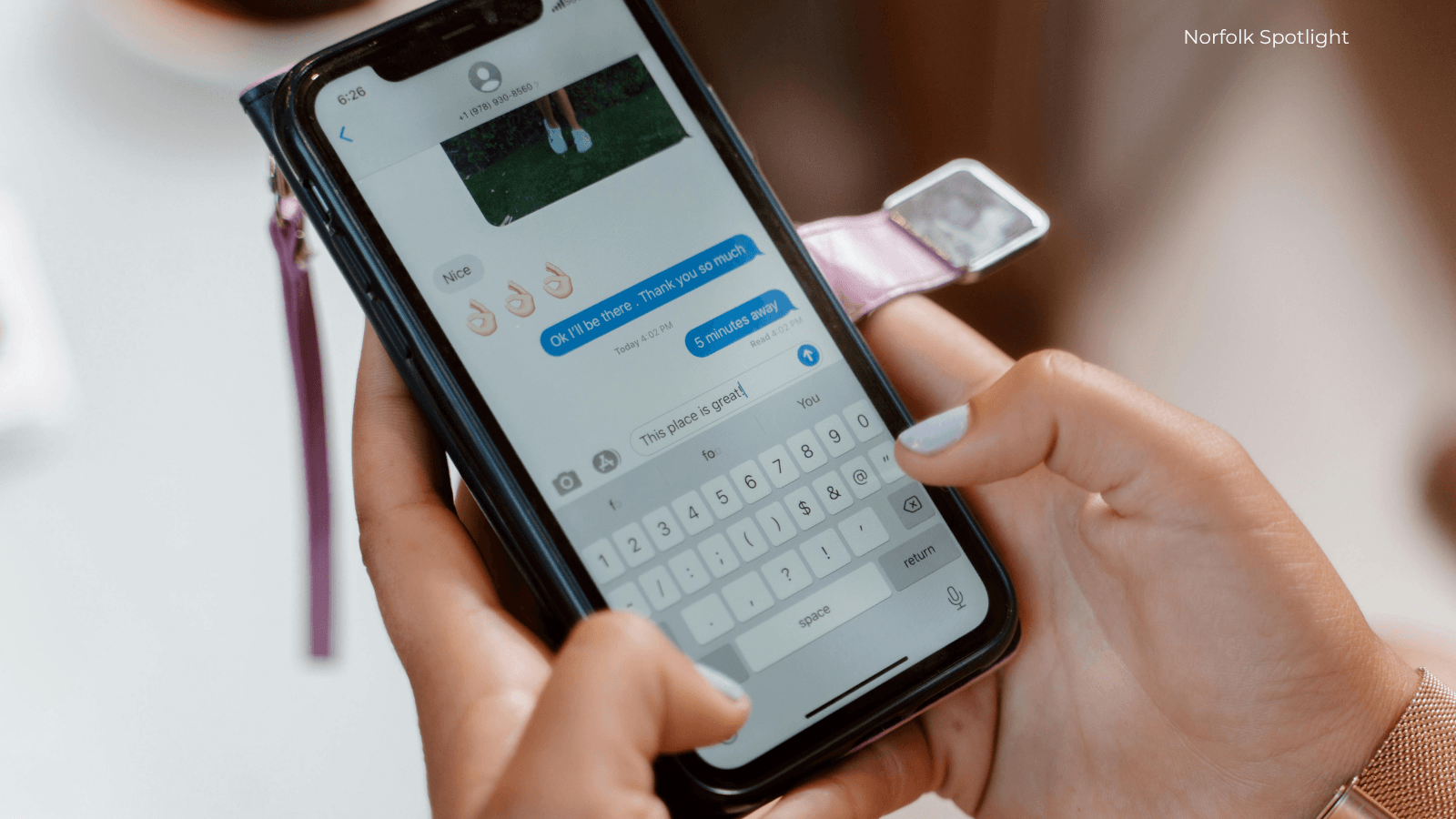
A WhatsApp message from your mum, mate or regular delivery firm can still be a scam.
The name and profile picture may look right. The pressure is the giveaway.
Before you reply, pay or tap anything, stop for 30 seconds and run these checks.
1. Were you expecting it?
An unexpected message deserves caution, especially if it arrives from a new number or suddenly changes the conversation. “I’ve lost my phone” is not proof it is really your friend.
2. Is it pushing you to act now?
Scammers lean on panic, authority and emotion: an urgent payment, a job offer, an investment opportunity, a loan or a prize. A genuine person or organisation should survive a pause.
3. What exactly is it asking for?
Treat requests for money, passwords, personal details or a WhatsApp verification code as a stop sign. Do not send the code. It can help someone take over your account.
4. Where does the link go?
Do not tap suspicious links or download files from an unexpected chat. If the message claims to be from a bank, courier or business, find its website or phone number yourself. Do not use the link or number supplied in the message.
5. Can you check the person another way?
Ring your friend using the number already saved in your phone, or start a separate conversation.
For a business, use contact details from its official website. If the explanation falls apart when you check it independently, stop there.
You can block and report the chat in WhatsApp, then delete it. WhatsApp also recommends turning on two-step verification and using the official app.
Already clicked?
Close the page and do not enter more information or download anything.
Already replied?
Stop the conversation. If you shared a password, code or personal information, secure the affected account and contact the organisation involved.
If money has left your account, call your bank immediately.
Norfolk County Council points residents towards Citizens Advice and Report Fraud.
https://www.reportfraud.police.uk/
https://www.citizensadvice.org.uk/
Report fraud or attempted fraud to Report Fraud online, or call 0300 123 2040.
Norfolk Police says to report crimes happening now or recent incidents on 101.
Norfolk & Suffolk Victim Care is available on 0300 303 3706. Here is their website https://nsvictimcare.org/
Save this checklist now.
The best time to decide what you will do with a suspicious message is before one arrives pretending to be someone you trust. |
0 Comments
Join the conversation
Be the first to comment
Share your thoughts above.